
Understand professional email
A professional email address uses your own domain, for example [email protected]. It looks more credible than a generic personal mailbox.
It also helps organize communication by service or role: contact, support, billing or sales.
1. Check that the domain is active
Professional email depends on a domain name and DNS configuration. Before creating mailboxes, make sure the domain can be connected to the email service.
If the domain is new, DNS propagation may take some time.
2. Create the mailbox
Choose clear addresses that match real uses. Avoid creating too many mailboxes at the beginning; start with what the project really needs.
Use strong passwords and keep access information secure.
3. Use Webmail or an email app
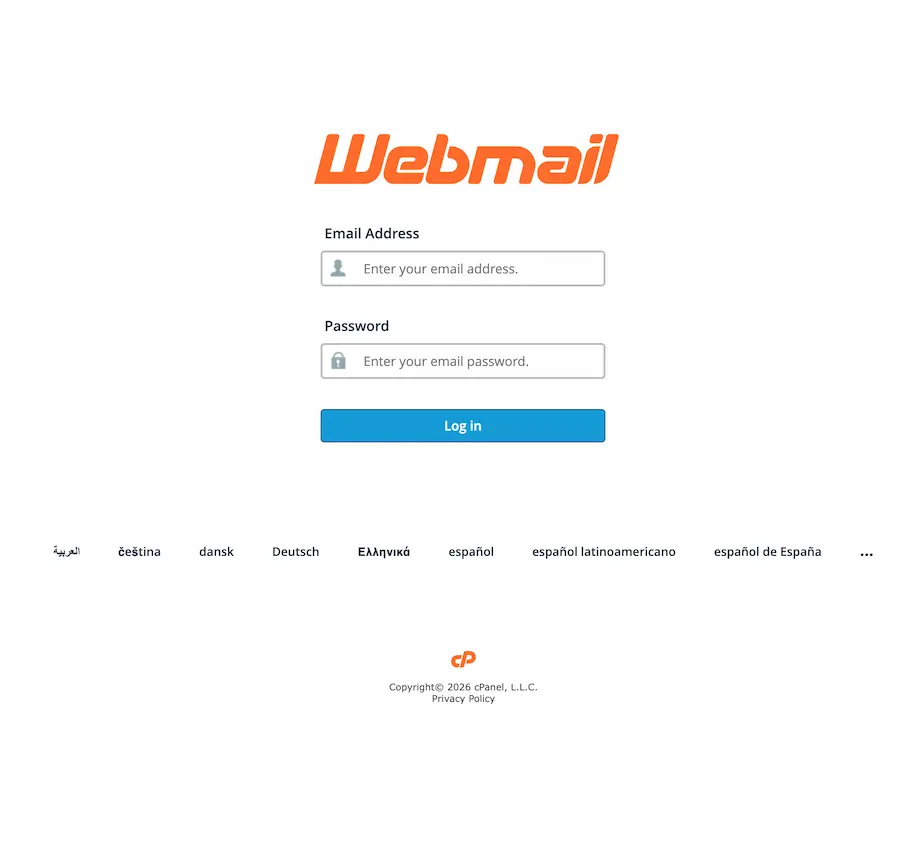
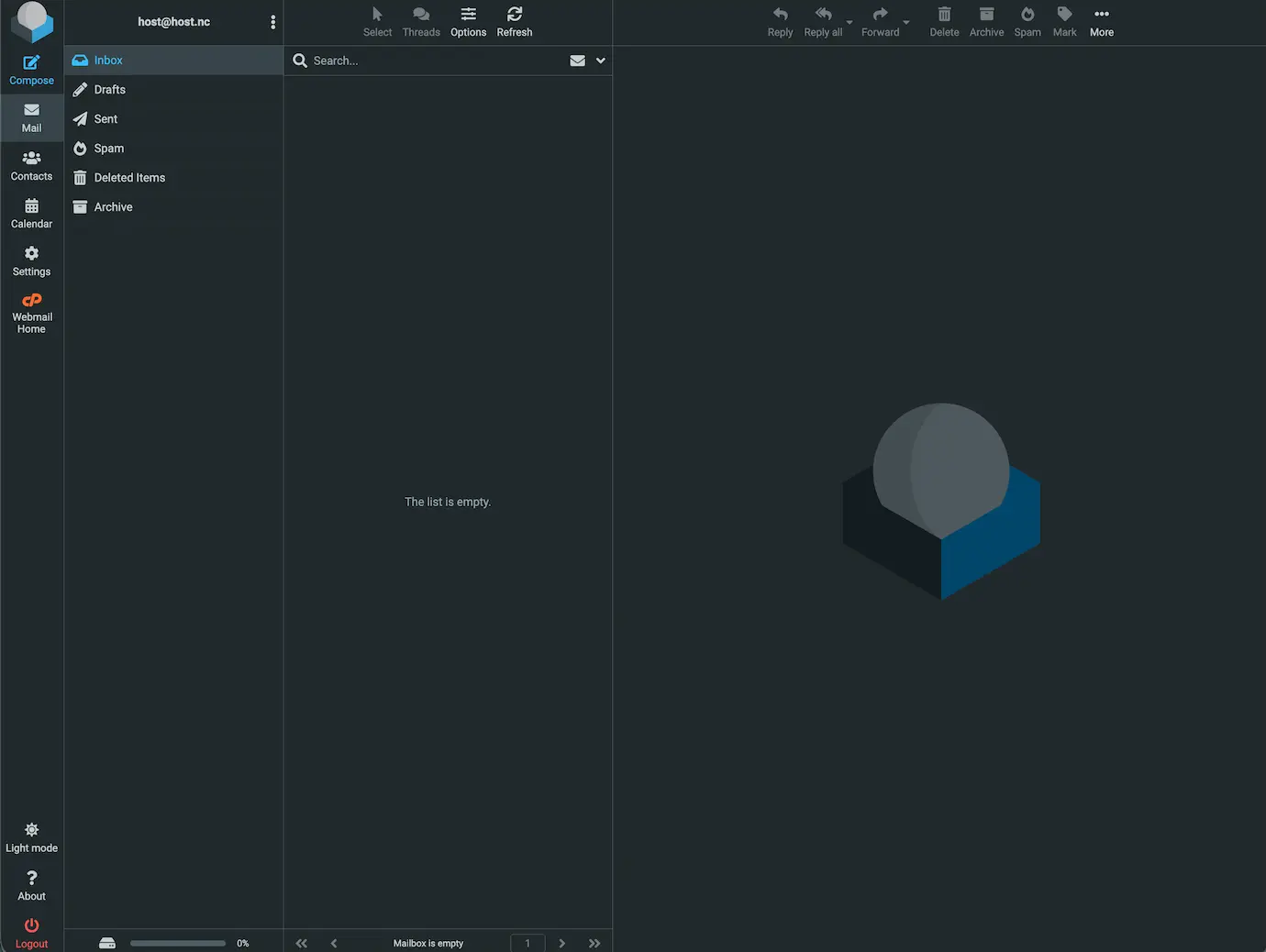
Webmail allows you to read and send messages from a browser. It is useful when setting up the mailbox or when using a shared computer.
You can also configure the address on a phone or computer.
4. Understand IMAP and SMTP
IMAP is generally used to receive and synchronize messages across devices. SMTP is used to send messages.
POP may exist in some configurations, but IMAP is usually simpler for modern multi-device usage.
FAQ
Do I need a domain for professional email?
Yes. Professional email uses a domain name, such as yourdomain.nc.
Can I use Webmail?
Yes. Webmail lets you read and send email from a browser.
Can I use my phone?
Yes. The mailbox can usually be configured on a phone with IMAP and SMTP.
What is SMTP?
SMTP is the protocol used to send email from an email application.
Can HOST.NC help with email setup?
Yes. HOST.NC can help understand the right settings and setup steps.
Need a professional email address?
Create an address with your domain name and choose the right solution for your activity.